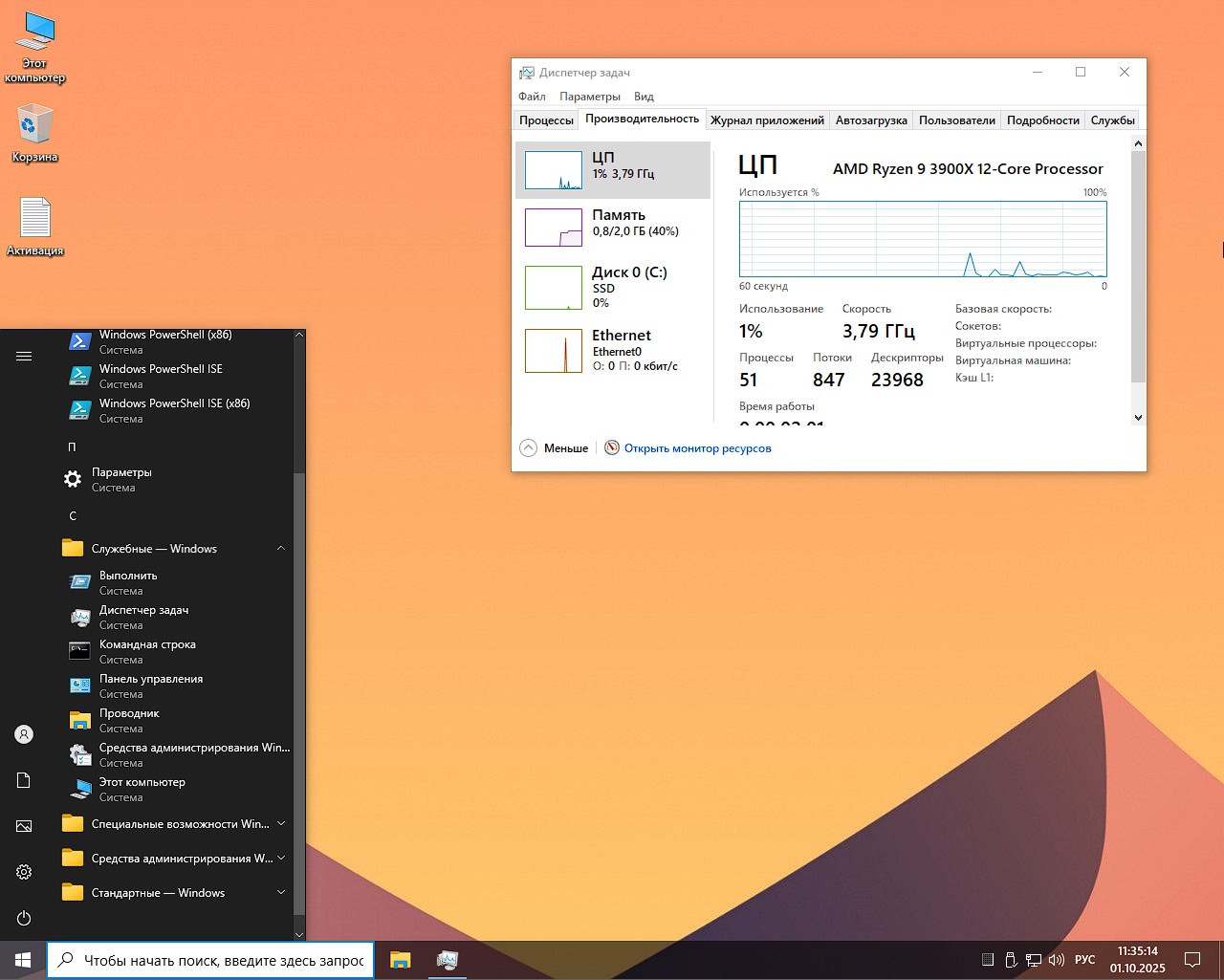
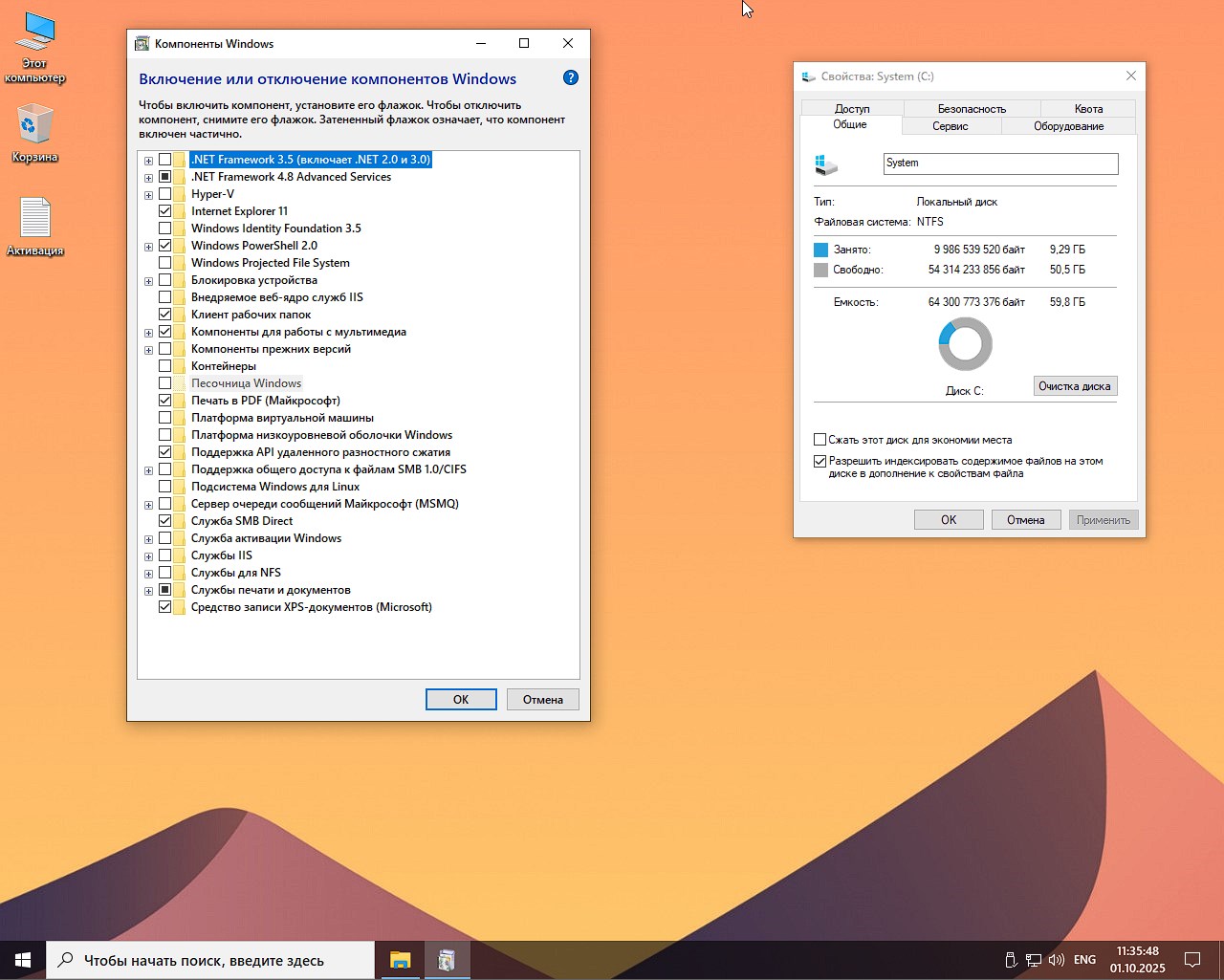
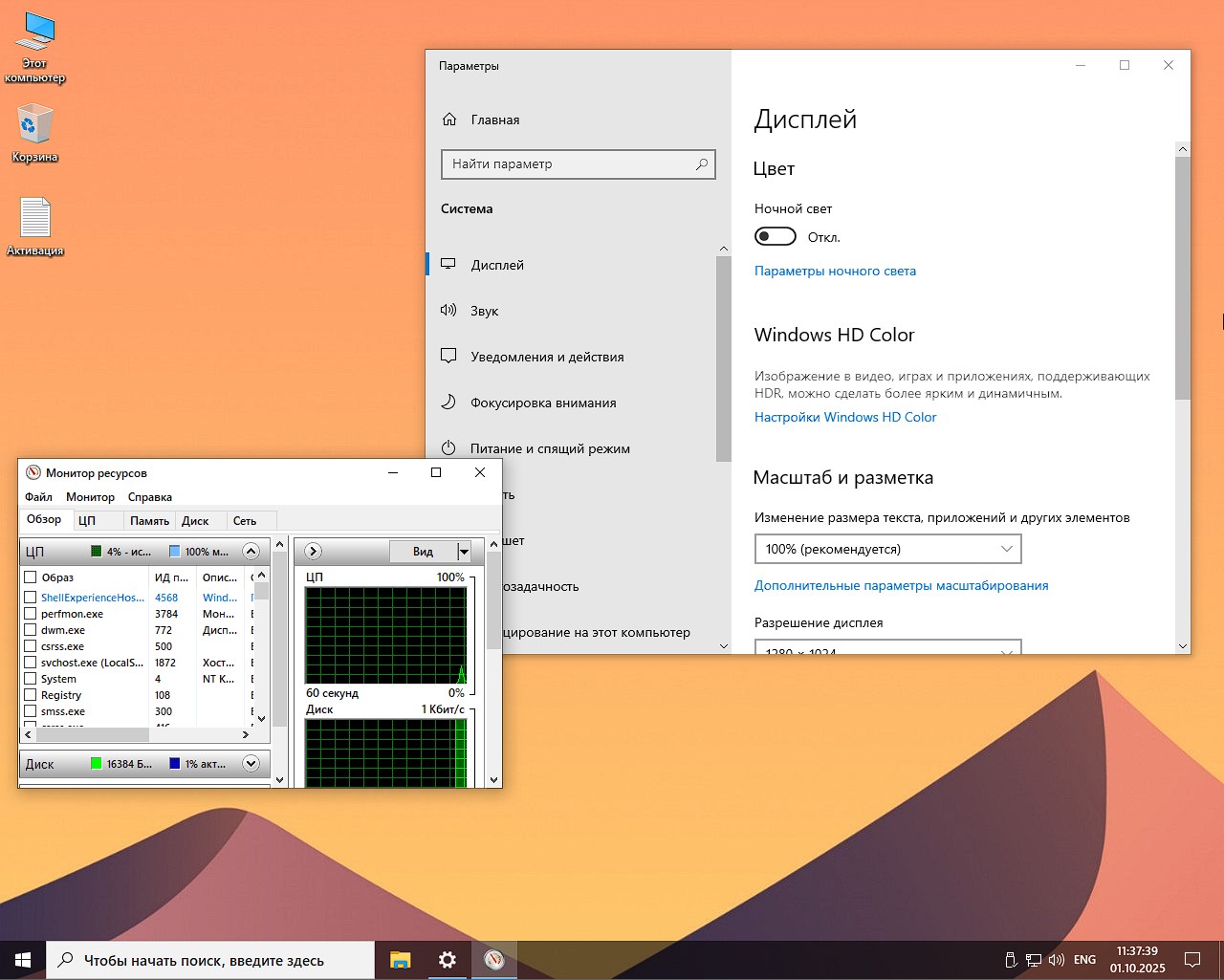
For a long time you have been asking to add a fresh top build from Ghost Specter and here is a clean iso Windows 11 Pro 24H2 SuperLite edition, build 26100.6584 – high optimization, full control, built-in launcher, maximum speed and smooth operation. This author is famous for his professional approach and produces high-quality releases that have been proven over the years. The only negative for you and me is that initially this is only the English version, but I added a file for Russification to the desktop, as a result we get a complete translation and the assembly of Windows 11 Pro in Russian will be after completing all the steps and rebooting. Who wants to download a light image to a flash drive via torrent, the link is below, of course a torrent client must be installed, there is also direct distribution from the servers, everything in full news is free for you.
✅ I have already published this author more than once on the project, from your responses I realized that everyone is interested in the Super Light version, so the only one left in the image is the standard one, in which all the software is almost present, you can separately download from the author’s page directly, plus the original does not have any browser, which I think is not entirely correct since many do not have the opportunity to go online and download it, so I integrated for the Russian Federation the most optimal version of the software and the built-in AI of the free professional version, which will solve all the basic and not only problems.
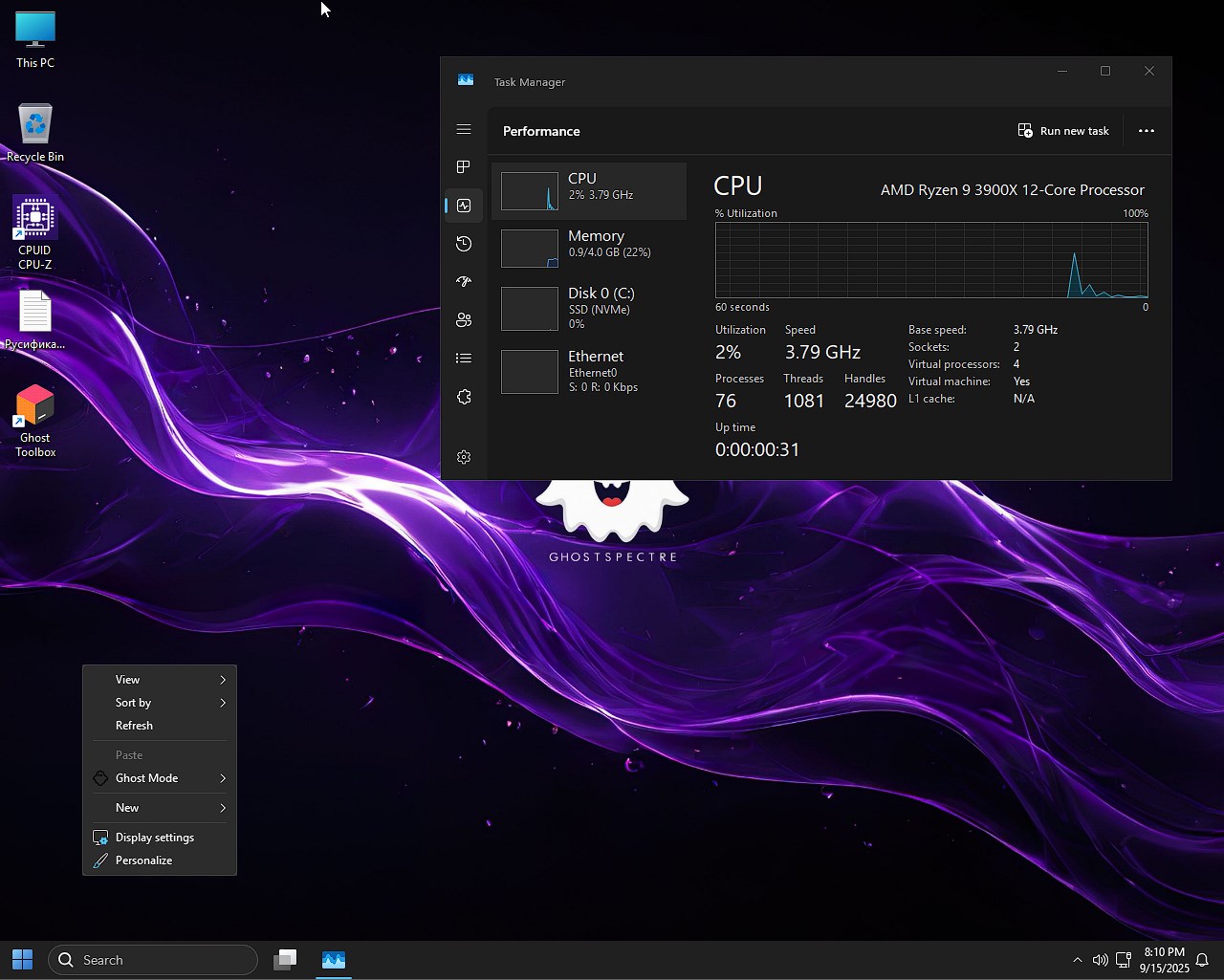
✅ A stylish, dark theme awaits you, excellent optimization of the highest level, the operating system simply flies even on my old laptop, I was pleasantly surprised. The assembly, when launched for the first time, can consume less than 1 Gigabyte of memory and this is Windows 11 Pro – imagine how competently the author has configured everything, that such a miracle can be achieved, taking into account the full operation of each component. You shouldn’t take the name Super Lite Win 11 as the most stripped-down version, here it is properly configured and due to this you get such excellent performance.
✅ In addition to all the features, releases from this author are famous for their built-in Launcher, which will help you further configure all the components you need; I will write about it in more detail below. It is portable, leaves no traces, if you don’t need it, you can, of course, remove it, but I would still advise leaving it, it’s a really necessary thing, useful for performing all kinds of tasks.
Download torrent
📌 Note: The full version of the build with all the settings and optimizations is available for download via torrent link using the button above
⚙️ List of minimum hardware requirements for successfully running customized Windows 11 Professional from Ghost:
- For basic work, a dual-core processor with a frequency of 2 GHz and x64 support is enough
- At the start, the system can consume less than 1 Gigabyte, but for normal operation, at least 2 Gigabytes of memory must be freely available
- The system after unpacking on the hard drive takes up a little more than 8 Gigabytes, there should be at least 15 Gigabytes free for installing programs and drivers
- If you do not plan to play modern games, then support for DX9 on your video card is mandatory, DX12 is a priority
- Monitor with a resolution of at least 1024×768
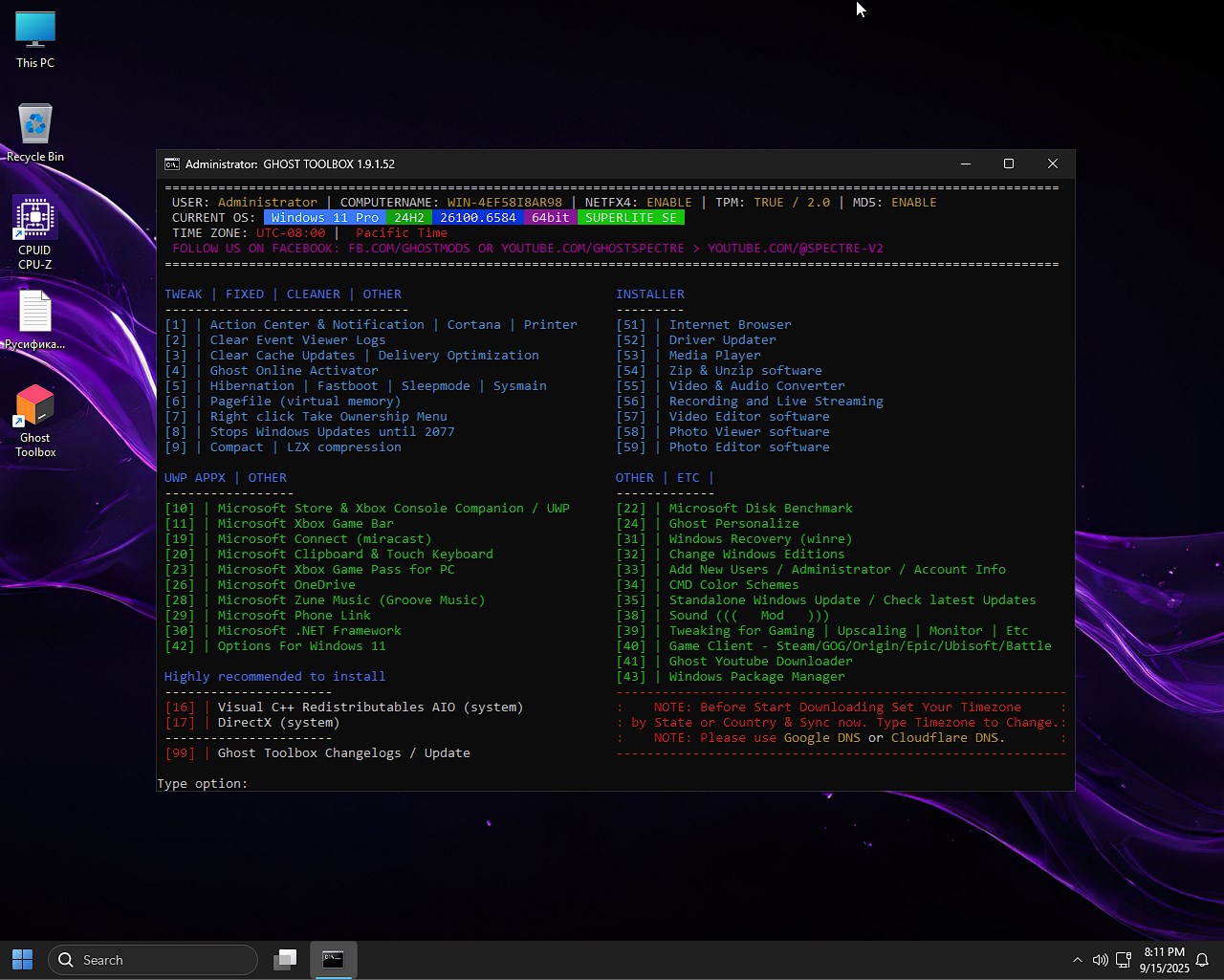
🚀 What the launcher can do:
– TWEAK | FIXED | CLEANER | OTHER
[1] Disables any notifications and Cortana, the system is quieter and does not distract you and itself from anything
[2] Clearing event logs, this is done in order to free up space and remove old errors from the logs
[3] Clears the Windows Update cache, this will help free up gigabytes of disk space
[4] Setting up the Microsoft Store will help remove unnecessary online checks
[5] Managing hibernation and quick system startup, including helping to free up space (hiberfil.sys can take up at least 8 gigabytes)
[6] Setting up the paging file is done to optimize for the amount of RAM
[7] The item will add “Become an owner” to the context menu, you will get a quick solution to problems with access rights
[8] Long-term blocking of Windows updates, the system will not reboot without permission
[9] Can compress system files, potentially saving 2-5 GB of space without sacrificing performance
– UWP APPX | OTHER
[10-30] These points will help you remove built-in software from Microsoft (we’re talking about Xbox, Groove Music, .NET Framework, and so on). We do this if you need to free up resources, you are guaranteed a clean system without bloatware
[42] Tweaks specifically for Win11, for example returning the classic menu, disabling new “features” and so on
– INSTALLER
[51-59] You can install the necessary software, for example drivers, media players, converters, editors. Everything you need in one click
– OTHER | ETC
[22] You can run a disk speed test. Checking SSD/HDD after installation, if necessary, run
[24] Individual personalization settings, customization is available to you without activating the system
[31] Managing the recovery environment will help you disable and save ~500 megabytes
[32] It is also possible to change the edition, switch from Home to Pro without reinstallation, it’s convenient
[33] Creating accounts and quickly adding an admin is a necessary thing under certain circumstances
[34] You can customize the color schemes of the console, convenient work in the terminal is guaranteed
[35] Autonomous system update, one hundred percent controlled installation of patches
[39] There are cool game optimizations that will lead to higher FPS, including scaling settings
[40] There is installation of game clients, all launchers are immediately available to you
[41] YouTube downloader
[43] Built-in package manager (aka winget). Installing software via the command line as in Linux is the necessary command
– Highly recommended to install:
[86] You can install all versions of Visual C++. Without them, 90% of programs and games do not work
[99] Update of the launcher itself. Get new features and fixes.
The conclusion is simple, this is a truly professional tool for fine-tuning the operating system immediately after installation. It definitely saves a couple of hours, makes the OS faster and cleaner, this is very useful for gamers and those who don’t like Microsoft telemetry.
🔑 Activation:
The system requires activation, which is not provided in the release. Of course, I could add it, but then you will write that the antivirus is swearing again, but do I need it? In general, this time I decided to do without everything, you decide for yourself how to complete this process. Naturally, I advise you to install MAS, it is also available on our website. For me, the best method is to register an operating system without any worries about the future, that there may be glitches, errors and problems.
📀 Recording, assembly settings:
Naturally, you need a bootable USB flash drive with which to install this assembly. In order to prepare a flash drive, you need software, I work in UltraISO mainly, sometimes in Rufus, you can use Ventoy, whatever you like. If you decide to use my favorite, then download the repack version from our website. We launch it, then download the image, open it through the File menu, then go to the Bootstrap menu – Burn hard disk image. Next, we see a window in which the flash drive is displayed, format it if necessary, the recording process starts, wait about 10 minutes, the flash drive is ready. Next, we start the PC, through F12 we get the boot menu, there we select the USB created, then the launcher starts, at the bottom we select Install Windows – we will be asked to launch a new shell or an old one, I chose the new one, we agree with the rules, we select the section where we need to unpack everything, a couple of reboots and here is the desktop.
⚡ Things to remember:
– We install the assembly in English, in the language selection window, after launching from the flash drive that appears, you don’t need to select anything, if you configure something there, you will most likely get an error as a result, so please pay attention to this.
– If you need a store, for example, or you need to enable some services, you need to do everything initially through the Ghost Toolbox, if it doesn’t help, we’ll use our own tools. REMEMBER that at the beginning you need to do everything you want, and only then perform Russification of the assembly; if you do this in the reverse order, you can get errors or simply the reluctance of the assembly to interact with you normally, so think about what needs to be returned or enabled and only then proceed with this process.
– If you need to log in with a Microsoft account, you can do it, I won’t tell you how to do it, here link to video – Everyone must watch until the very end so that questions don’t arise later.
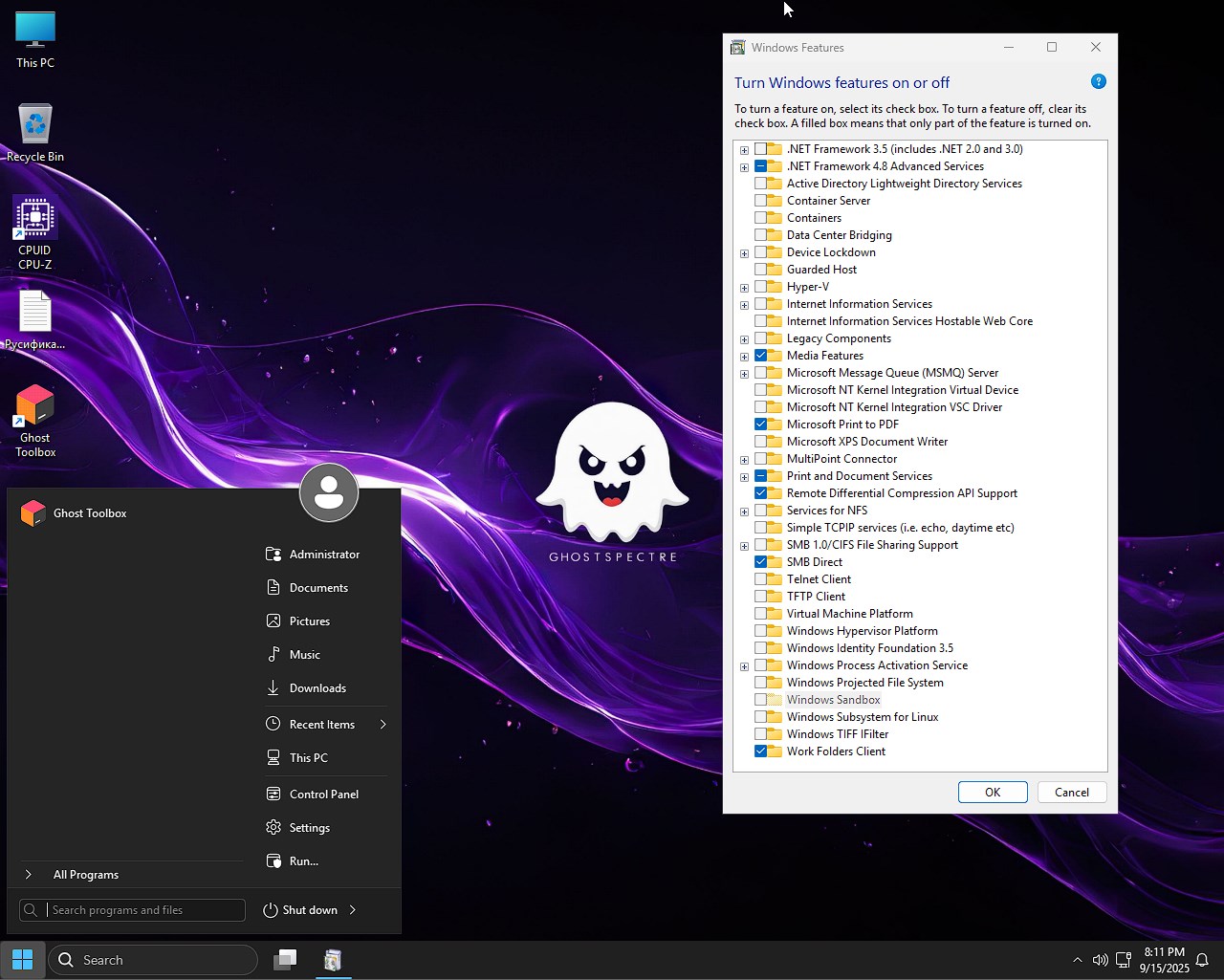
– Here is a version with Start via StartAllBack – that is, the same convenient start that many are accustomed to, I think it will be much more functional, you can remove the software through installing and uninstalling programs, then you will get a standard menu, it’s up to you.
🚫 What was removed:
- Built-in Windows software, AI chips
- No Defender, no Smartscreen
- The desktop that was remote was disabled, the additional keyboard on the tablet cannot be launched, there is no NFC, focus assistance is disabled
- The print spooler does not work, but I know that many of you will print, so we go to services and switch there to Auto mode on this service and everything will work for you
- OneDrive is not represented, but if necessary, you can return everything through the launcher I mentioned above
- All notifications from the center are disabled
- All telemetry deleted
- No error reports will be generated
- UAC is set to never notify mode, can be changed
- The WinSxS backup has been deleted, I think no one will give up extra space, especially on old laptops, where it is very valuable
💡 Conclusion:
There are only positive emotions, the build of Windows 11 Pro 24H2 x64 Ghost Specter pleases with its stylish interface, painstaking approach of the author, the most thoughtful solutions, a built-in flexible launcher for all occasions. The speed of work is at the highest level, gamers will appreciate it one hundred percent, I wouldn’t recommend installing it on office PCs, of course, they need something simpler. I advise everyone else not to pass by and take a look. The only thing that often confuses our user is the basic English interface and there is no browser that is needed immediately after launch for normal operation, all these two problems are solved in this release. Let me remind you that the author has a standard version in which most of the built-in software and services are included; those who need to download them separately, I added the most optimized and fast version, which works fully and will delight you for many more years, I am sure, again, judging by past releases, these are your priorities. Thank you for your time, enjoy your work everyone, if you have any questions, write, good luck!
Download Windows 11 24H2 Pro x64 Super Light image from Ghost with full Russification
Additional mirrors:
💡 All the links presented above in the news will allow you to download Windows 11 in Russian from fast mirrors via a browser, a torrent client is not required for this, the link for it is presented at the beginning of the news
Some builds may come pre-installed with a browser and add optional components for Chrome; If desired, they can be easily replaced with your own. All images undergo a mandatory anti-virus scan before being published on the site: all content is fully scanned for the presence of malicious files. The settings remain under your control and can be changed in a couple of clicks if necessary. Often, integrated activation tools are replaced with text-based registration recommendations - this is done to minimize false positives.
Contraseña
[HIDE]rsload[/HIDE]